How to Unmask No Caller ID

Want to reveal who's behind those No Caller ID calls? Here's the full setup, step by step. Once it's active, you can reveal hidden numbers in real time.
To unmask a No Caller ID call with Traceback, set up call forwarding once in the app (Settings, then Restart Service), then decline the hidden call when it comes in. The call forwards to Traceback and the real number appears in the app within seconds, with a name when it's in our database.
Before You Start
- You need a supported Israeli carrier on a regular (non-prepaid) line.
- Call forwarding must be available on your line.
- Make sure voicemail won't pick up the call first, it has to forward to us to be revealed.
Set Up the Reveal Service
Open the Traceback app and go to Settings.
Tap Restart Service.
When the pop-up appears, place the call exactly as the app prompts. The app shows the forwarding number and code your carrier needs.
Check the screen, it'll show whether setup was successful or failed.
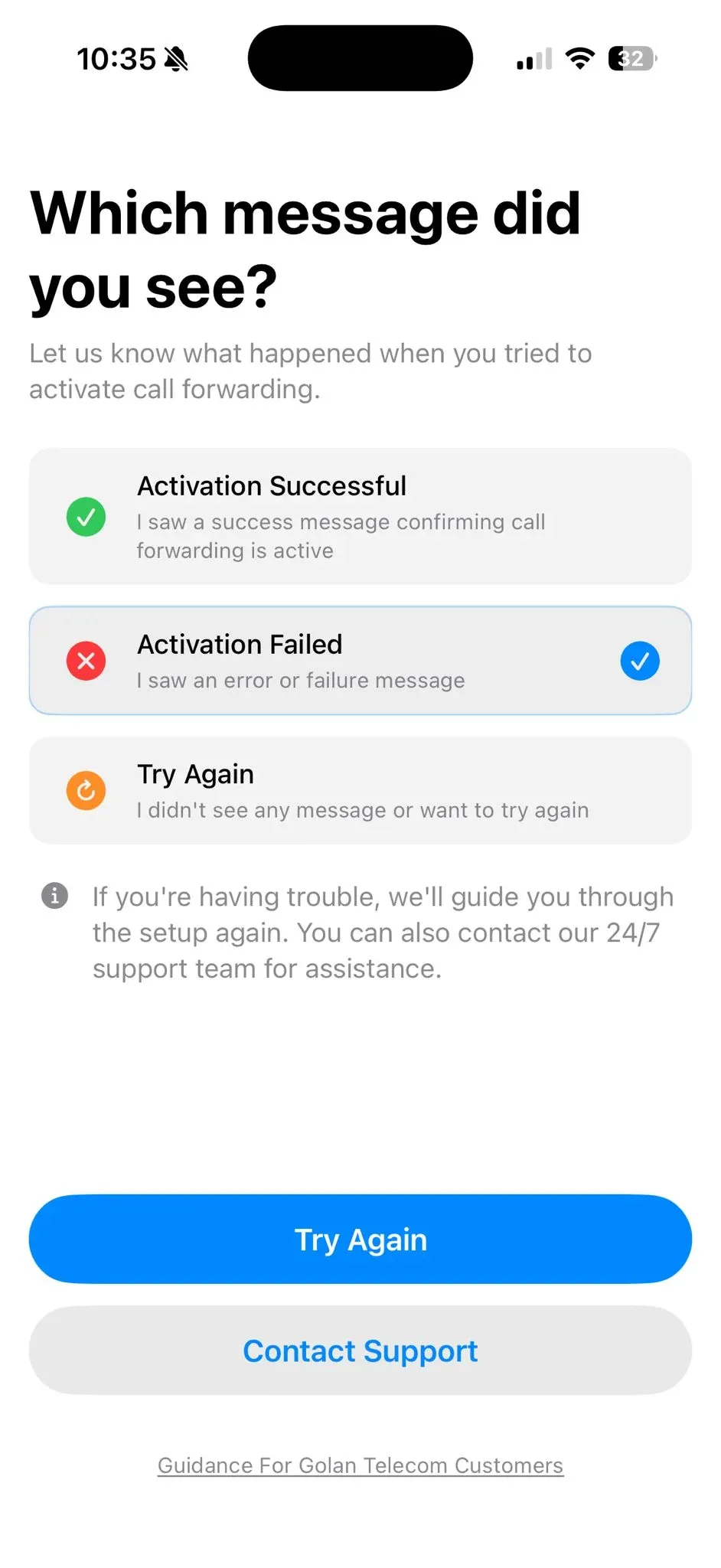
Not sure what your message means? See Which message did you see after setting up call forwarding?
If it's successful, run a test call: ask a friend to call you from No Caller ID, then decline the call.
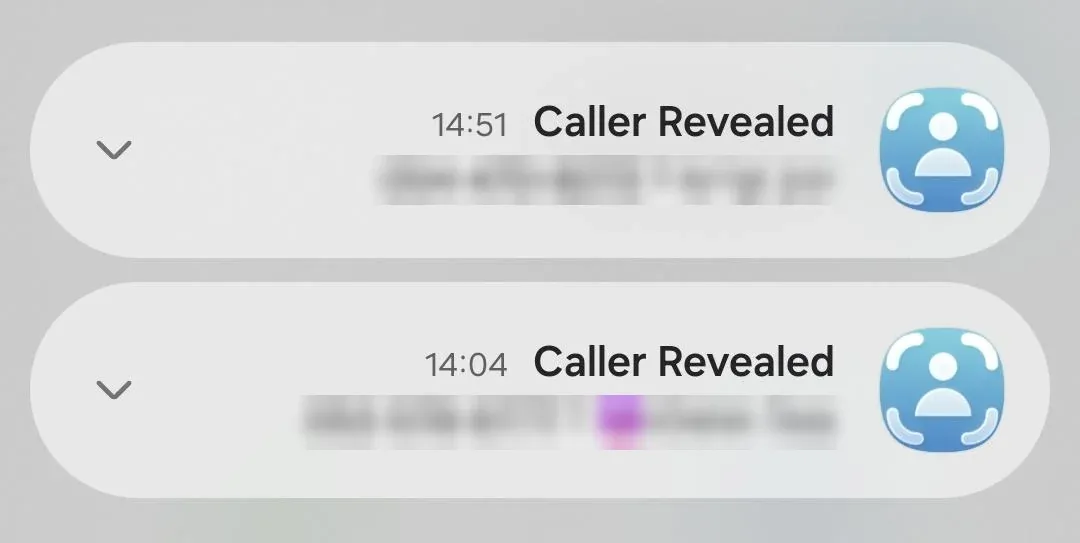
The revealed number appears, with a name if it's in our database.
How the Reveal Works
When you decline a No Caller ID call, your line forwards it to Traceback. Our system extracts the real number behind the call and matches it to a name in our database. No match means you'll still see the number on its own.
Privacy Note
Traceback only handles the calls you forward to us for revealing. We use the call details to identify the caller, we don't listen to or store your conversations.
Troubleshooting
Re-run Settings -> Restart Service and place the forwarding call exactly as the app prompts
My test call didn't reveal anything. Make sure you declined the call (not answered) and that voicemail didn't pick it up first. Both stop the reveal.
It worked before and stopped. Open Settings and tap Restart Service again, call forwarding can get reset. Also update to the latest app version.
I'm on prepaid or Wecom. Those aren't supported. The reveal needs call forwarding, which prepaid SIMs and Wecom don't provide.
Frequently Asked Questions
How do I unmask a No Caller ID call?
place the forwarding call when prompted (the app shows the exact code for your carrier)
Do I answer or decline the call to reveal it?
Decline it. Declining forwards the call to Traceback, which is what triggers the reveal.
How do I test that it's working?
Ask a friend to call you from No Caller ID, then decline the call. You should see the revealed number.
Why does setup keep failing?
the forwarding call wasn't placed as prompted. Re-run Restart Service and try again. Prepaid SIMs and Wecom lines aren't supported.
Open this guide on your phone
Setup happens on your phone. Scan to keep these steps open while you do it.
Was this article helpful?
Your feedback helps us write better support content.
Related articles
- Getting Started with Traceback
Can I See Numbers from Calls Before Using Traceback?
2 min read - Getting Started with Traceback
If I Block No Caller ID Calls, Can I Still Reveal Them?
3 min read - Getting Started with Traceback
Which message did you see after setting up call forwarding? Success, failure and MMI errors
4 min read
From the blog
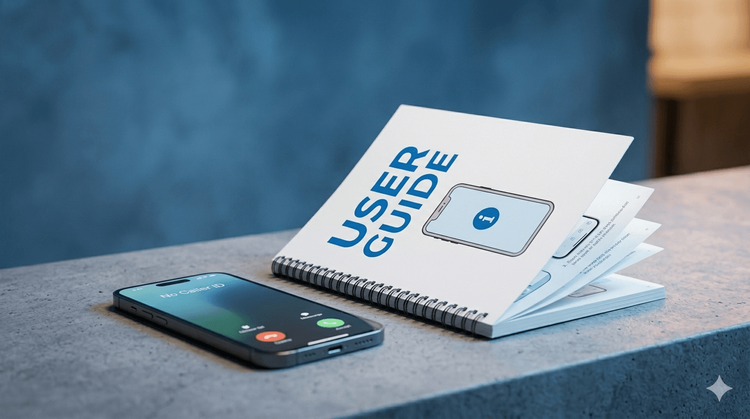
How to Call Back a Hidden Number in Israel (2026)
Why you can't dial back a hidden call, and what works instead
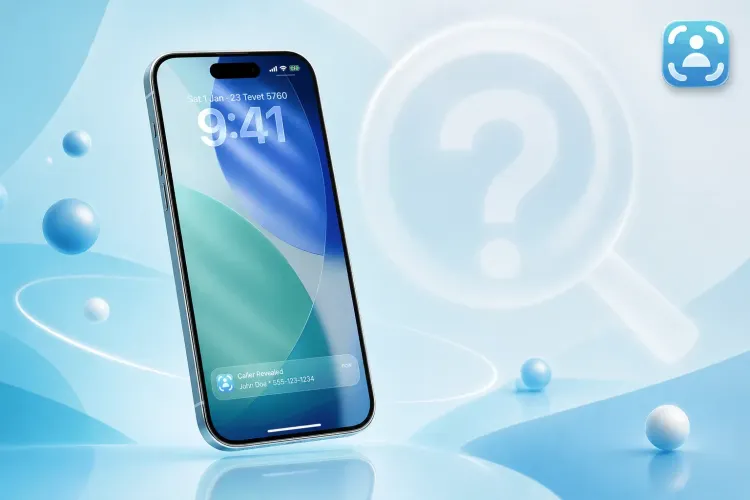
Who's Calling Me from a Hidden Number? Every Way to Find Out, Step by Step
The complete guide to identifying No Caller ID calls in Israel, including the trick most people don't know

Truecaller in Israel 2026: What Really Happened
Truecaller did not leave Israel. What the May 2026 job cuts mean, and why no database caller ID app can reveal a hidden number.