iPhone: How to Block Private Calls (and Keep Reveals Working)

Want to block private calls on your iPhone? You can but it's optional, and we'd actually suggest testing before you rely on it. On some setups, blocking sends private calls to voicemail, which stops Traceback from revealing them.
Blocking private calls is optional, and not always the best choice. Some devices forward blocked calls to voicemail and some still forward them to us so test it on your own phone first before turning it on for good.
Why We Suggest Testing First
Traceback reveals a hidden caller by having the call forward to us. If your iPhone's blocking setting sends private calls to voicemail instead, the call never reaches Traceback and there's no reveal. Because behavior varies by device, the safest move is to test what your phone does before committing to blocking.
On iPhone, the setting that can send these calls to voicemail is Silence Unknown Callers (Settings > Apps > Phone).
How to Test It Safely
- Keep Traceback's call forwarding active.
- Have a friend call from No Caller ID and decline it.
- If you still get the reveal, blocking is safe on your device. If it goes to voicemail with no reveal, leave blocking off.
Privacy Note
Whether or not you block private calls, Traceback only uses forwarded calls to reveal the number. Blocking is a phone-level setting you control.
Troubleshooting
I blocked private calls and reveals stopped. Your device is likely sending them to voicemail. Turn blocking off to keep reveals working.
Some private calls reveal, some don't. That's the voicemail issue, behavior can vary. Test consistently and consider leaving blocking off.
Should I block or not? It's optional. If revealing callers matters most to you, we'd lean toward leaving blocking off.
Frequently Asked Questions
Should I block private calls on iPhone?
It's optional. Blocking can send private calls to voicemail on some devices, which stops the reveal. Test it first.
Can I block private calls and still reveal them?
Sometimes it depends on your device. If blocked calls still forward to us, reveals work. If they hit voicemail, they don't.
How do I know if blocking breaks the reveal?
Run a test: turn blocking on, have a friend call from No Caller ID, and decline. See whether the reveal still arrives.
What if I want reveals more than blocking?
Leave blocking off. That keeps private calls forwarding to Traceback so they can be revealed.
Open this guide on your phone
Setup happens on your phone. Scan to keep these steps open while you do it.
Was this article helpful?
Your feedback helps us write better support content.
Related articles
From the blog
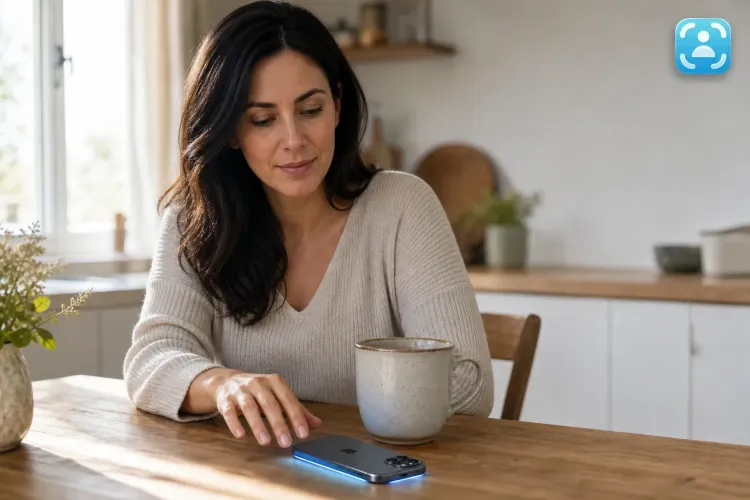
No Caller ID on iPhone: What It Means and How to Reveal Who Called
The complete guide to identifying hidden calls on iPhone, what Apple offers, what's missing, and how Traceback reveals the real number
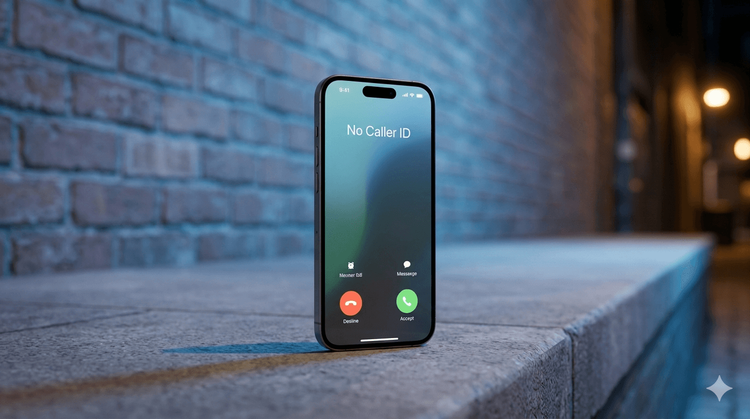
No Caller ID in Israel: The Complete Guide (2026)
What it is, how to identify it, harassment and blocking

How to Call from a Private Number: #31# Code, iPhone, Android & Landline
All the ways to hide your number in Israel, what costs money, and when your private call won't actually stay private